Built for faceless YouTube channels
Your channel on autopilot.
Every frame made for your script.
Pick a topic and hit generate: script, voiceover, every visual, and the final cut of a complete 5 to 60+ minute YouTube video, done for you. Where other AI tools stitch the same stock clips as everyone else, NimbleVid generates every frame from scratch to match your words: cloned styles, consistent characters, zero editing. Upload it. That's it.
Free credits on sign up for select regions, good for 7 days · No card required · Plans from $49/month
- Explainer Videos
- Nature Documentaries
- Kids' Stories
- Scary Stories
- True Crime
- History
- Space & Science
- Mythology
- Motivation
- Finance
- Bible Stories
- Tech
- Sports Recaps
- Health & Wellness
- War Documentaries
- Animal Facts
- Every Niche.
The grind
The channel isn't the hard part.
The production is.
Faceless YouTube is a volume game, and volume is exactly what manual production can't give you.
The week-long video
Research, script, voiceover, visuals, editing: a single long-form video eats 10 to 20 hours. That pace sustains a hobby, not a channel.
Stock-footage sameness
Viewers have seen that exact drone shot on five other channels this week. Footage that isn't yours reads as content that isn't yours.
The week-three collapse
Every channel starts with a streak. Then life happens, the upload gap widens, and the algorithm quietly forgets you exist.
The editor payroll
Outsourcing scripts, voice and editing runs $150 to 500 per video, a real payroll bill before the channel has earned a cent.
The pipeline
Your entire production pipeline, in nine steps
What used to take a researcher, writer, voice actor, designer and editor now happens in one place. Click a step to see the real thing.
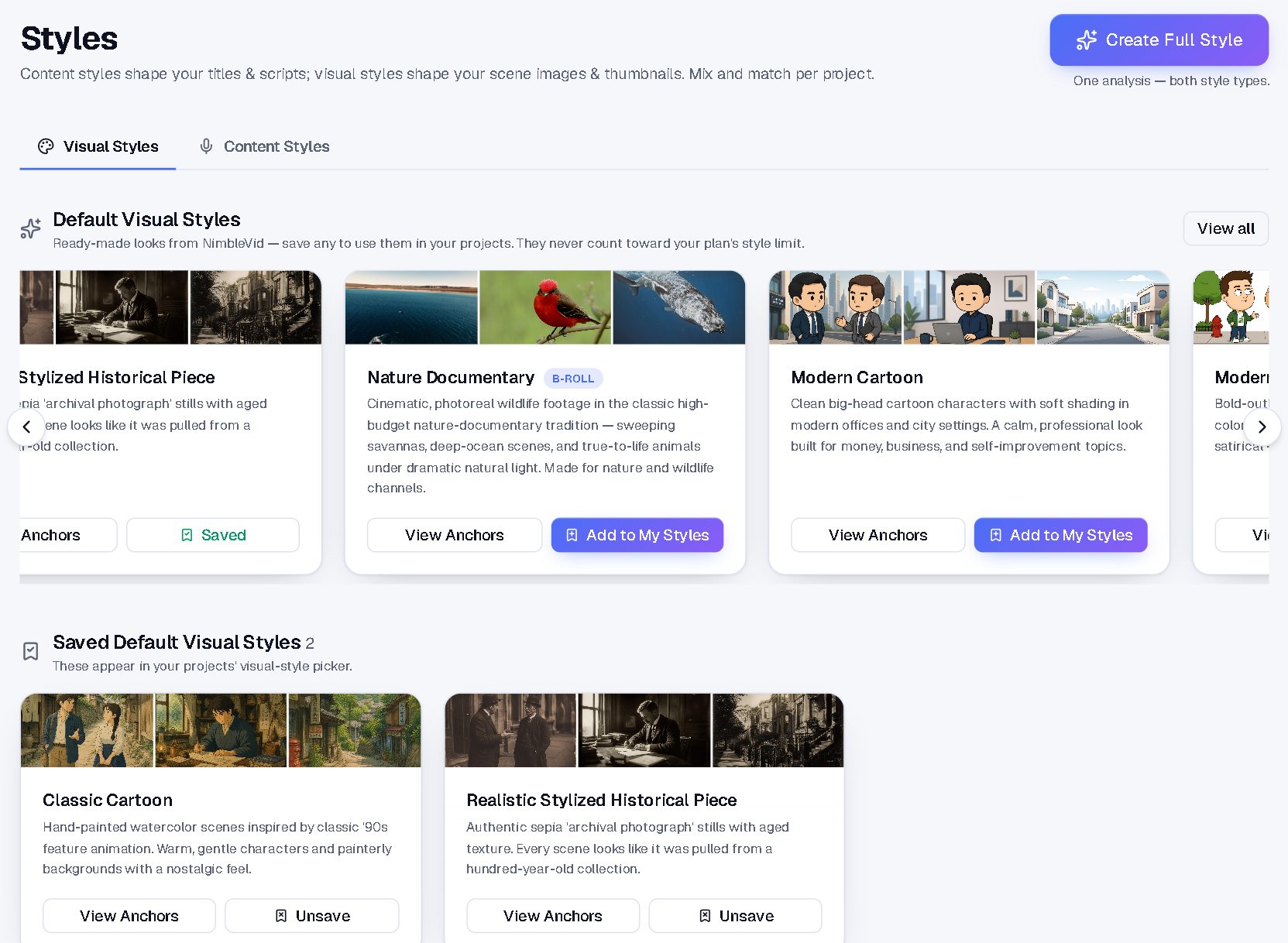
The Styles library: where channel looks get cloned and kept
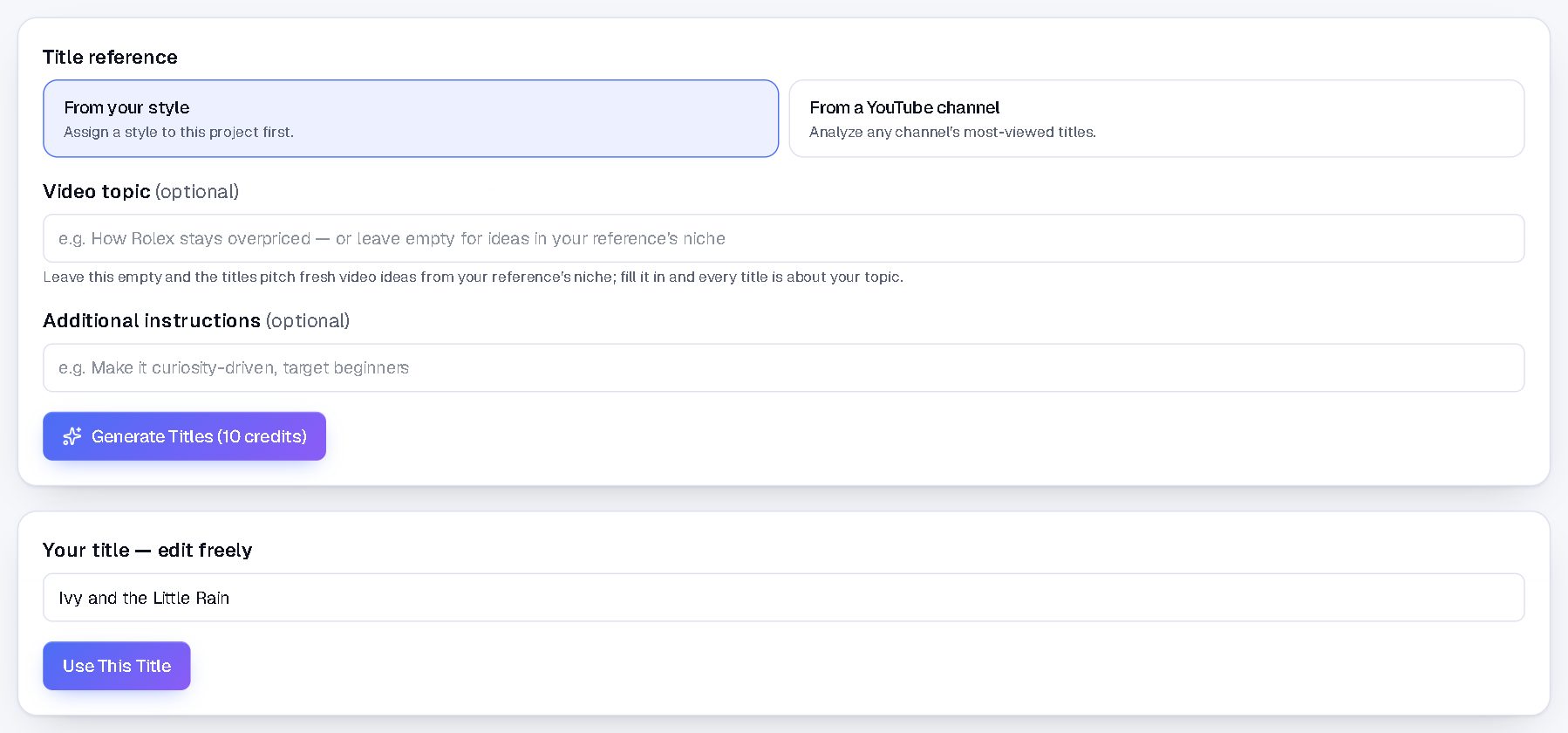
The Title tab for “Ivy and the Little Rain”
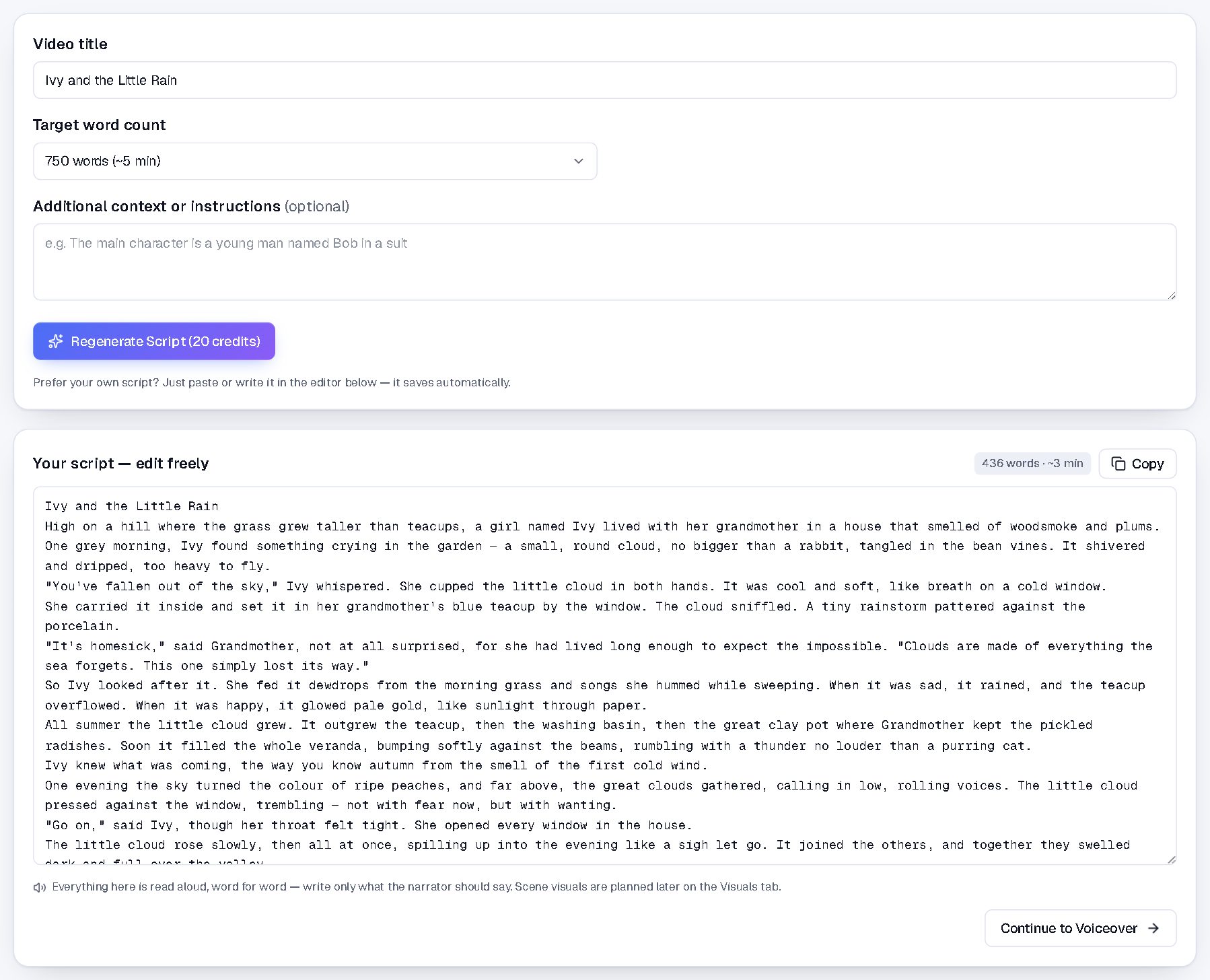
The Script tab: the full script, editable and auto-saved
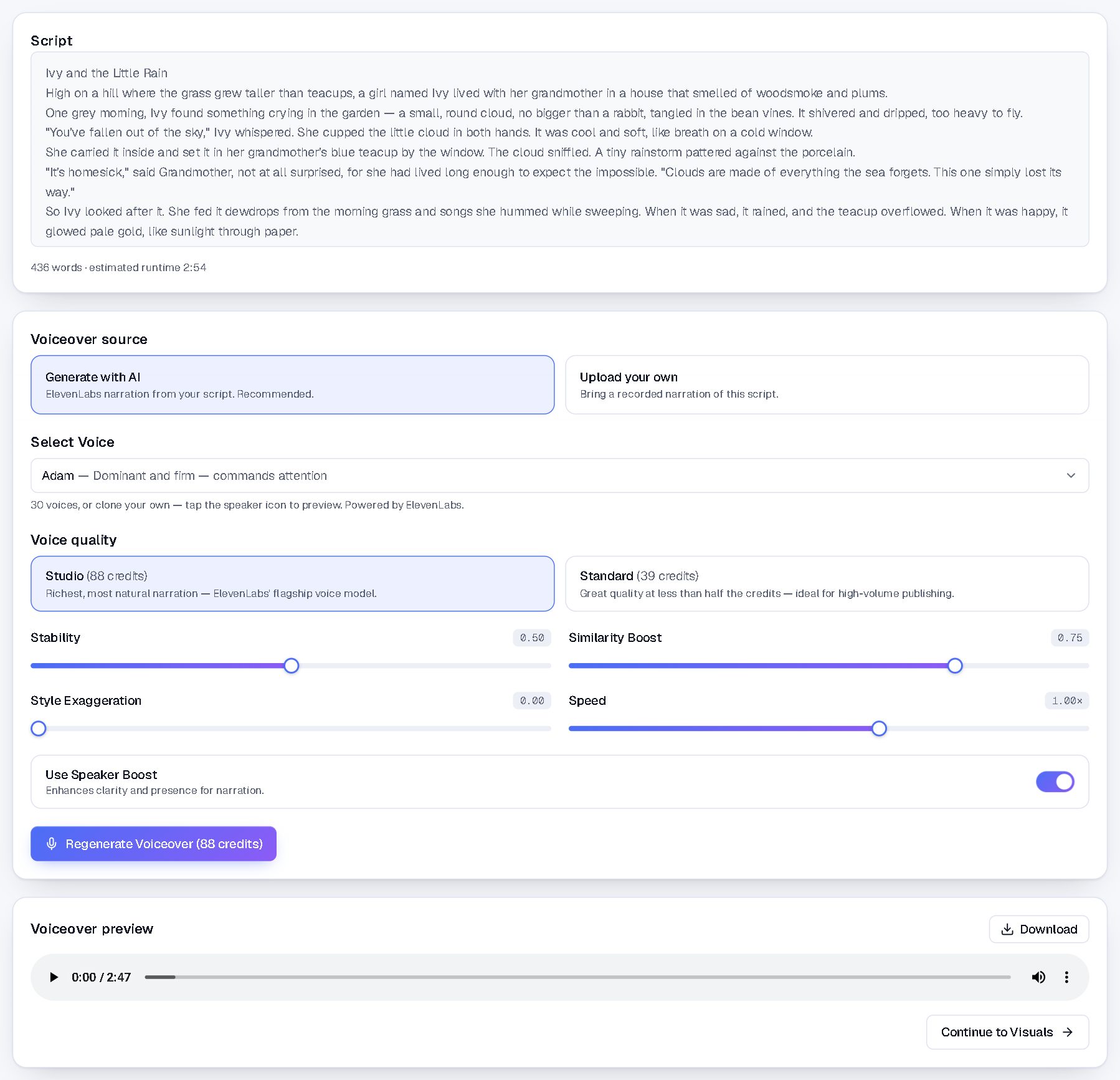
The Voiceover tab: 30 voices, fine-grained control, 2:47 preview
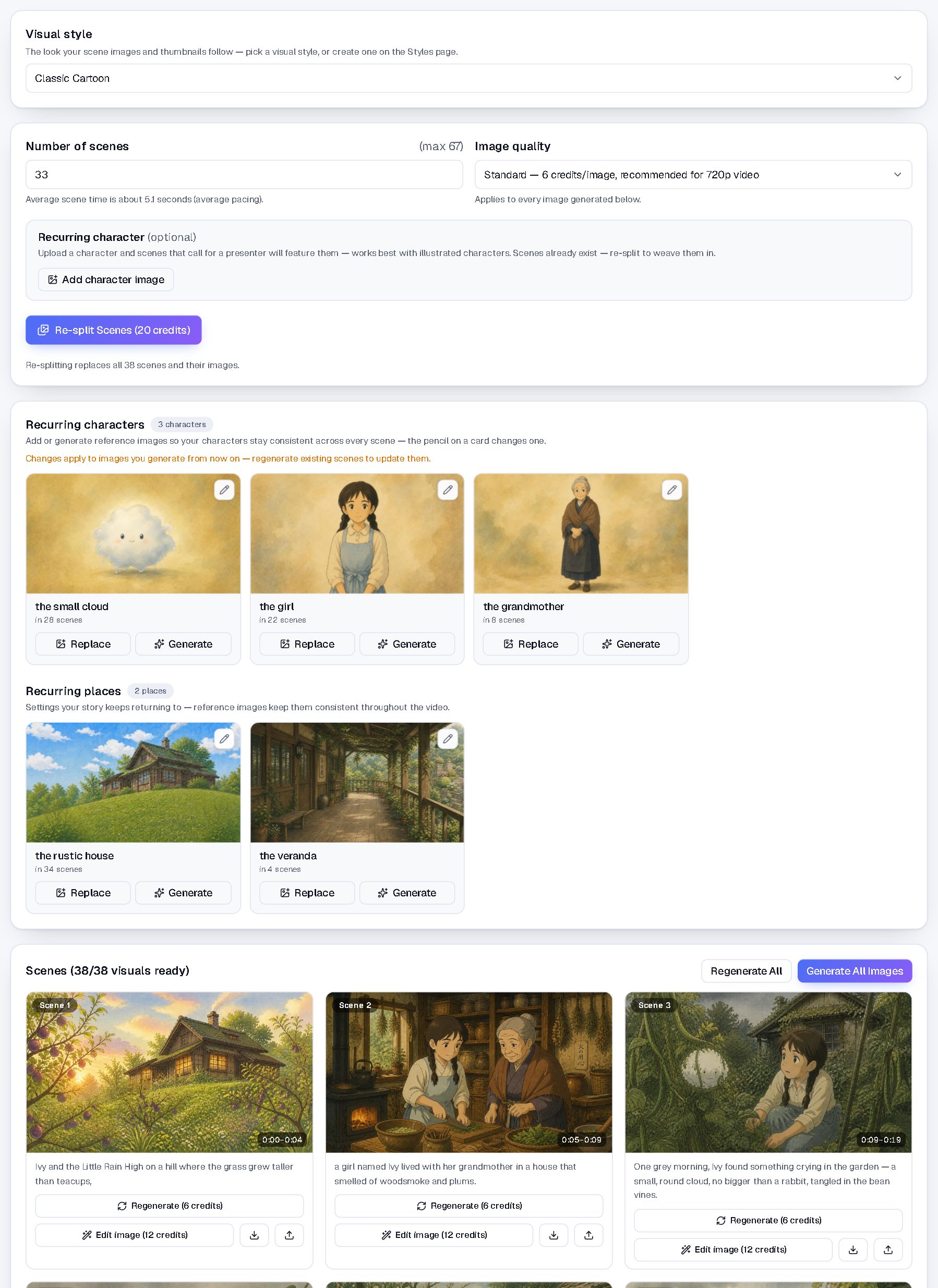
The Visuals tab: 38 scenes illustrated, plus the recurring characters it found automatically
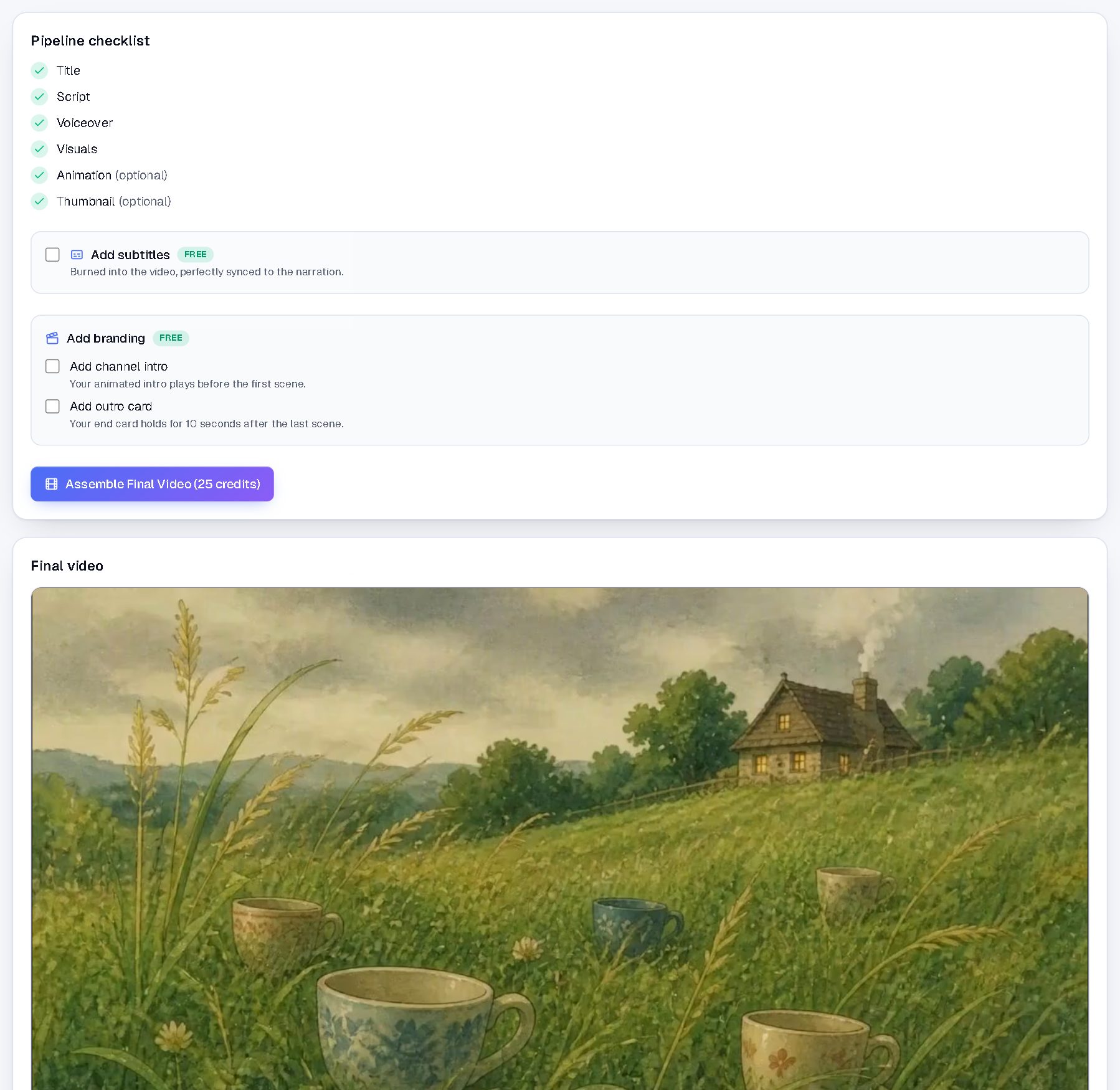
The Final Video tab: checklist complete, subtitles and branding on tap, the finished cut below
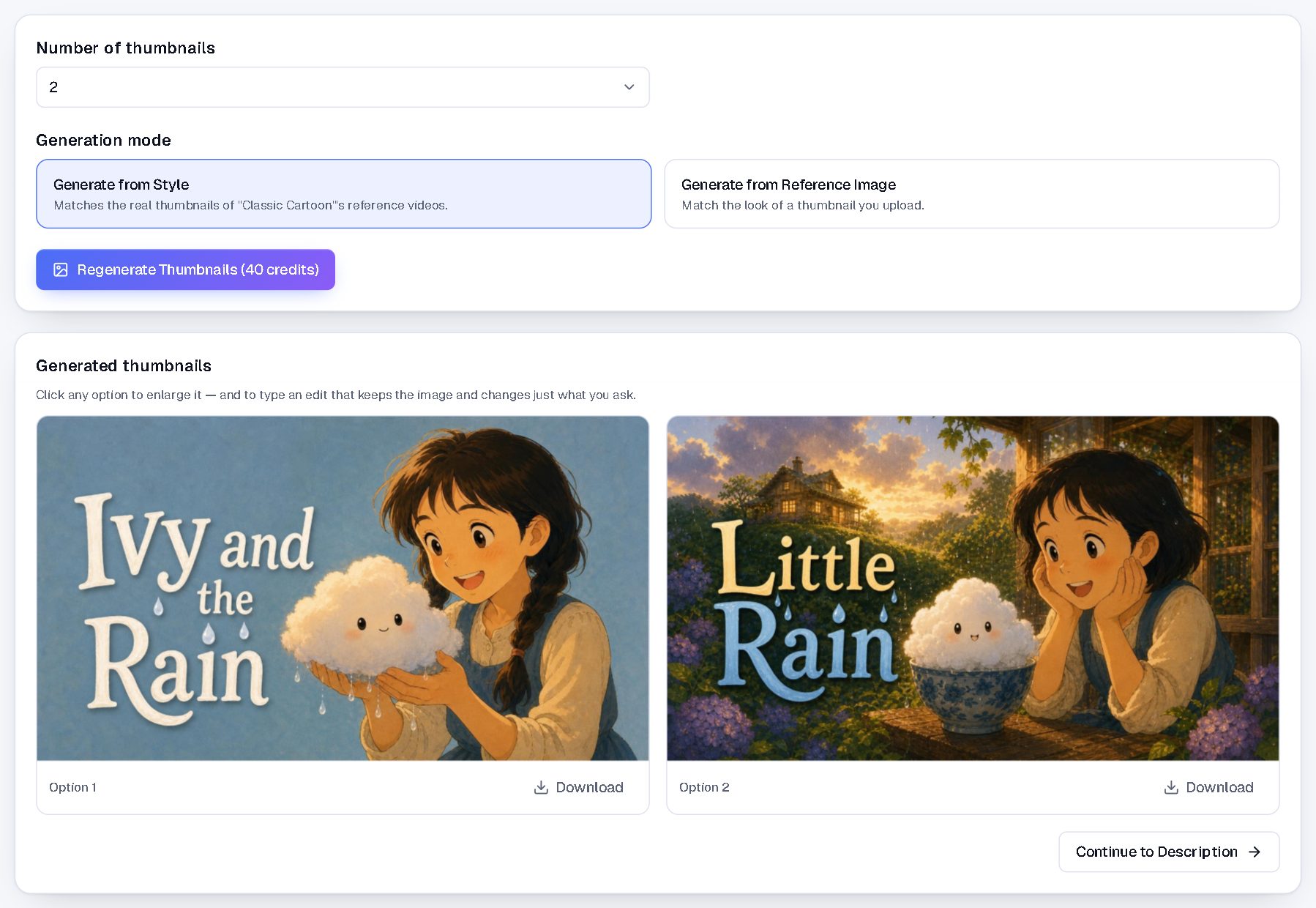
The Thumbnail tab: two options generated for this video, editable in place
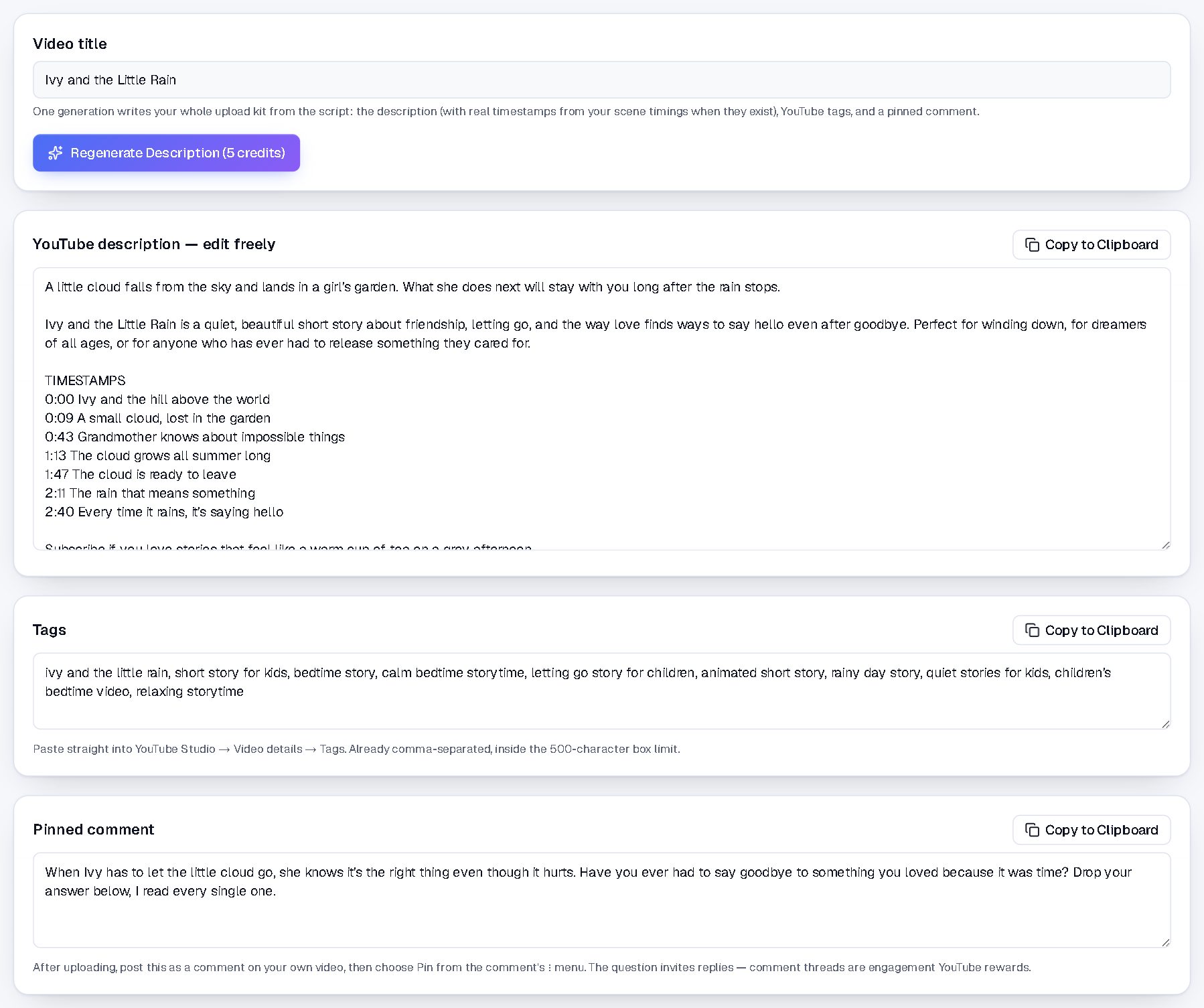
The Description tab: the whole upload kit, a description with real timestamps, tags, and a pinned comment
The difference
Most “AI video” tools don't make video. They rent it.
They search a stock library for clips that roughly match your script. That's why a thousand channels end up sharing the same drone shot. NimbleVid draws every frame instead.
The footage
Stock-footage tools: Clips licensed from the same stock library every other channel is pulling from.
NimbleVid: Every visual generated from scratch, for your exact script. It exists nowhere else.
The look
Stock-footage tools: Whatever happened to be in the library, loosely matched to your words.
NimbleVid: A style cloned from reference channels you choose, applied to every scene.
Your characters
Stock-footage tools: A different stranger every scene, or no people at all.
NimbleVid: The same character, holding their face and clothes across the whole video.
Long-form
Stock-footage tools: A longer video just means more stock clips stitched together.
NimbleVid: Complete 10 to 60+ minute videos where every frame was made for the script it illustrates.
So why isn't it $19 a month?
Because generating a frame costs real money and licensing one from a stock library doesn't. That single fact is the entire price gap in this category. You're paying for footage that belongs to your channel and appears in nobody else's.
Go deeper: Long-form AI video generatorAI video generator without stock footage
The machine
Everything a channel needs. Nothing it doesn't.
NimbleVid replaces the stack of tools, freelancers and late nights between “good idea” and “published video.”
Idea Lab
Give each channel you run a profile and reference channels to learn from. NimbleVid spots which of their videos massively beat their usual views and pitches ten ready-to-make ideas at a time, each one click from becoming a project.
Style Cloning
Paste up to four videos from any channel and NimbleVid learns both its writing voice (for your titles and scripts) and its visual look (color, composition, thumbnails), then reuses that style across everything you make.
Fact-Checked Scripts
Every script is researched and verified before it reaches you, so your channel builds trust instead of corrections in the comments.
Studio-Grade Voiceovers
ElevenLabs voices with fine-grained control over stability, similarity, style and speed. Pick a voice and keep it consistent across your channel.
Bring Your Own Voice
Clone your own voice, or any narrator you have the rights to, so every video sounds unmistakably like your channel, not a stock narrator.
Scene-Synced Visuals
Visuals are generated per scene and aligned to your voiceover's exact timestamps, so the picture always matches the words.
Motion & Animation
Bring key scenes to life: turn still images into motion, from subtle movement to full animation, blended right into the final cut.
One-Click Thumbnails
Generate thumbnail variants in your style or from a reference image, then pick the one you'd click on.
Upload-Ready Output
A finished MP4, an SEO description with hashtags, and a thumbnail: everything YouTube asks for, ready to go.
Hours, Not Weeks
A video that takes a small team a week ships in an afternoon. Run multiple channels without hiring.
Built for Volume
Credits-based workflow designed for creators who publish consistently. Daily uploads are finally realistic.
Team Workspaces
Invite your team into one shared workspace with roles and per-member credit limits: everyone creates in the same place, on one plan.
Frequently asked questions
Everything creators usually ask before their first video.